Guide
Turn Coffee Shop Visits into Orders, Bookings and Loyal Customers
See how the Infoholder Studio café template brings your real menu, table bookings, order-ahead pickup and loyalty experience together. Online payment requires setup.
By Infoholder Studio Editorial Team · Published Oct 13, 2026 · Updated Oct 13, 2026 · 2 min read
Also available in: Malay · Japanese · Simplified Chinese · Traditional Chinese
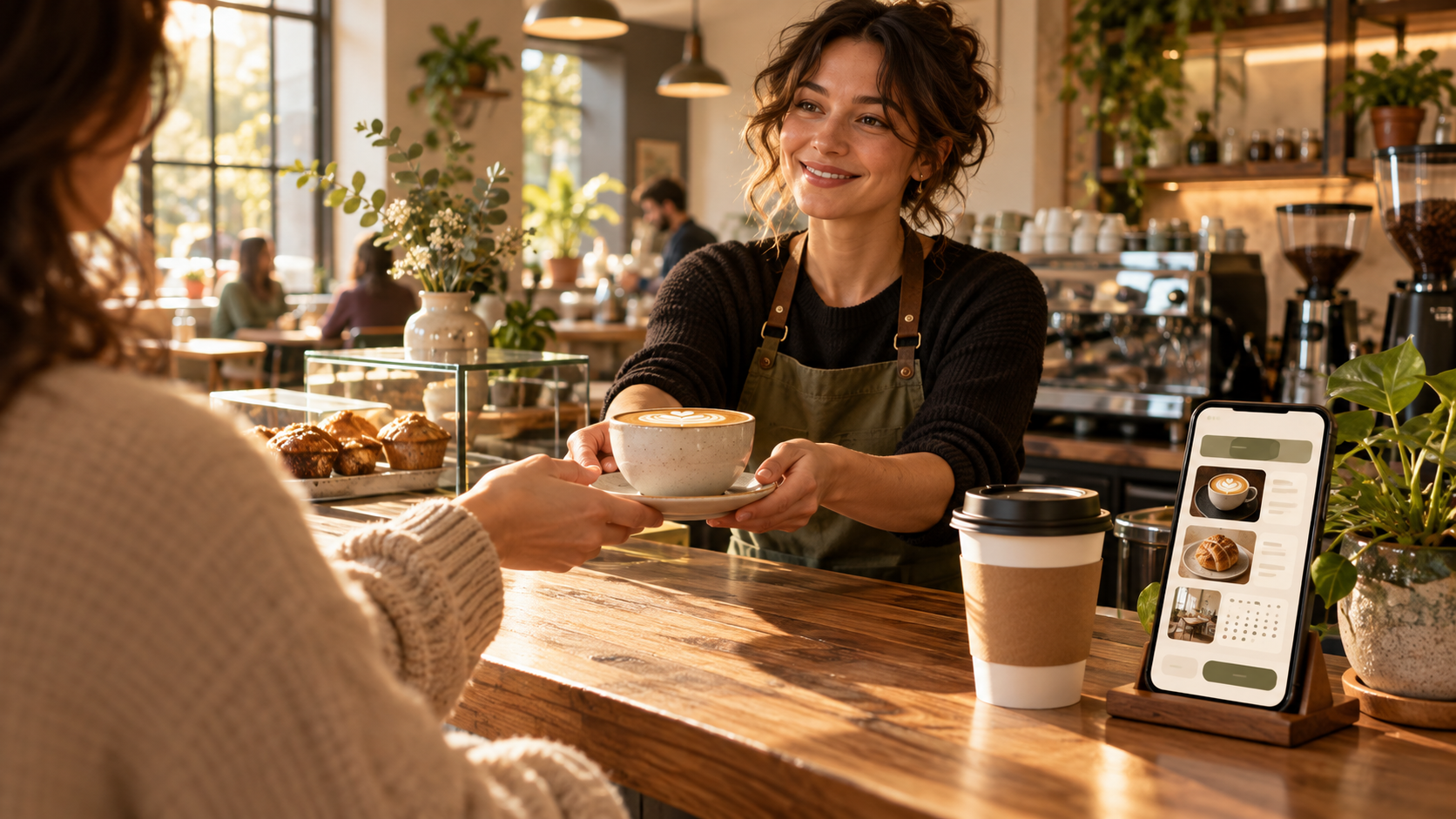
A customer finds your café on their phone. They want to know what is on the menu, where to find you, and whether they can book a table or order ahead. If every answer lives in a different place, taking the next step becomes harder than it needs to be.
The Café — Order Ahead & Book a Table template gives your café one customer-facing starting point. Show your real menu and location, let customers explore pickup orders or table reservations, and give returning guests a way to engage with membership rewards. Watch the short demo below, then imagine it with your own menu and café details.
Video demo: the café template in action
One café journey, three useful pages
The template includes Home, Menu and Visit pages. Put your offer and the most relevant customer action up front. Show drinks and prices in the menu, then make your address, opening details and visit information easy to find. Customers can order ahead for pickup or request a table directly from the café experience.
Give regulars a reason to come back
Customers can verify their identity by email and use the membership experience, including points and coupons where configured. That creates a clearer way to stay connected with returning customers than making them rediscover every detail on each visit. Set rewards and customer rules to match what your café actually offers.
Set up online ordering with payment in mind
The template supports ordering from the webpage, but online payment requires payment setup first. Before promoting it, confirm your menu, prices, pickup options and payment configuration, then test a real customer flow. If payments are not ready, use the café page to present your menu, location and reservations while you finish setup.
Connect the online experience to the café floor
Once the café is connected to a store, the workflow can extend to QR-code ordering, order management and a kitchen display. These functions depend on the store connection and configuration. Start with the customer action that matters most today, then connect more of the in-store workflow when you are ready.
Why start now?
Build it with Infoholder Studio
Start from a sentence and get a website where customers can book, order or contact you — in minutes.