Case study
A Melbourne Café, a Clearer Way to Plan a Visit
An independent Caffé e Torta draft shows how café details, menu information and a table request can come together in one mobile-friendly place. Prepared with Infoholder Studio; awaiting café review.
By Infoholder Studio · Published Oct 14, 2026 · 3 min read
A customer planning a café visit usually has a handful of questions. Where is it? What can I eat? When is it open? And if I want a table, where do I ask?
For this Melbourne example, we prepared an independent website draft for Caffé e Torta using Infoholder Studio’s café solution. The café has not commissioned, reviewed or approved it. The exercise was to put useful public information and a clearly explained request path in one place, so an owner could review something concrete.
View the independently prepared café draft. It remains subject to café review.
Start with the café’s own information
Caffé e Torta’s official website places the independent café in Royal Arcade, at 314 Little Collins Street, Melbourne. It describes coffee, Italian-inspired panini, breakfast and lunch, cakes, pastries and tiramisu. It also publishes opening hours, a phone number and an email address.
Those details gave us a reliable starting point. They did not give us current menu prices, table capacity or a booking policy. We left those gaps visible rather than filling them with sample prices or assumptions about the café.
Four pages, one practical route
The draft brings together a home page, a menu overview, a visit page and a dedicated table-enquiry page. The home page gives the café a recognisable name and location, then offers a route to a table enquiry. The menu overview covers the food and drink categories confirmed on the official website. The visit page brings the address, published hours and direct contact details together. The table-enquiry page gives visitors one place to describe their preferred date, time and party size.
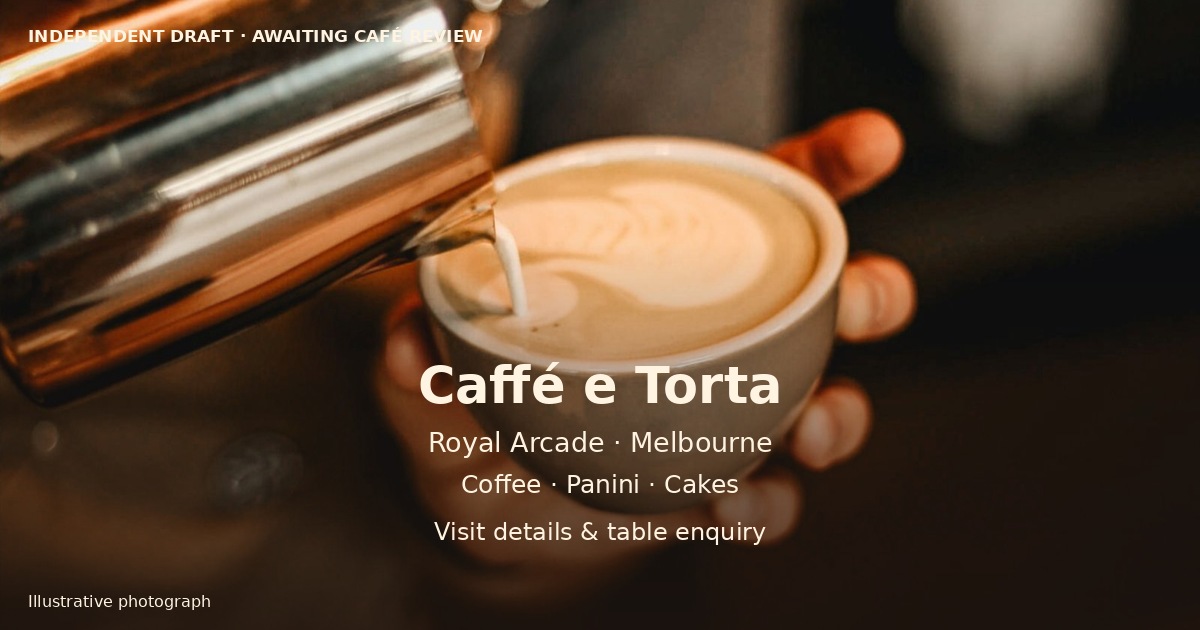
The café template gives the draft its warm coffee palette and animated visual rhythm. The photography is illustrative stock imagery, labelled as such. A visitor should not mistake it for a photograph of the actual venue.
A request needs a clear meaning
A form saying “success” is not enough. Customers need to know what they have submitted, who receives it and whether they have a confirmed table.
The request setup for this draft collects a preferred date and time, a name and a phone number for manual review. Visitors can include their party size with the preferred details. It does not collect payment or automatically confirm a reservation. Until the café takes over, requests are received by Jinshan / Infoholder Studio, the independent site administrator. That relationship is stated before the forms, alongside the café’s direct phone and email for confirmed arrangements.
The backend service settings are provisional. They are not the café’s booking policy and need the owner’s approval before handover. Online ordering, membership and payment features are not presented as active café services in this draft.
Test the path, not just the page
We submitted one clearly labelled table enquiry and one contact enquiry through the published site. Both appeared in the administration area, and both email alerts arrived in the administrator’s inbox. The test records were then closed. The table-request receipt stated that no reservation was confirmed and no payment was collected.
Give the owner something to inspect
The useful part of preparing a complete draft is the conversation it makes possible. The owner can check the published information, decide whether the proposed request workflow fits the café, replace the stock images and supply a current menu. The next changes are specific: the enquiry process, availability, menu details and real photographs.
This case is a demonstration of a prepared business entry point, not a customer testimonial or a claim about higher sales. No booking increase, conversion result or adoption by the café is claimed.
Try the café solution for your own shop
If your café’s menu, location and booking questions currently live in several places, start by putting the essentials into one customer-facing page. Then add the actions that match how you actually operate: a table request, a customer enquiry or, once configured, ordering.
Infoholder Studio’s café solution provides that starting point. Bring your own verified menu, prices, opening hours and photographs; review the request and notification settings; and test the customer flow before sharing it.
Business information checked against Caffé e Torta’s official website on 14 October 2026. This article describes an independently prepared draft awaiting café review. All café imagery shown in the draft is illustrative.
Build it with Infoholder Studio
Start from a sentence and get a website where customers can book, order or contact you — in minutes.