Guide
Customers Found Your Shop on Instagram. What Happens Next?
A post has sparked a customer’s interest in your shop. Next, they may want to see prices, check your address, or book a time. The link in your profile can make all of that clear.
By Infoholder Studio · Published Oct 14, 2026 · 3 min read
Also available in: Malay · Japanese · Traditional Chinese · Simplified Chinese
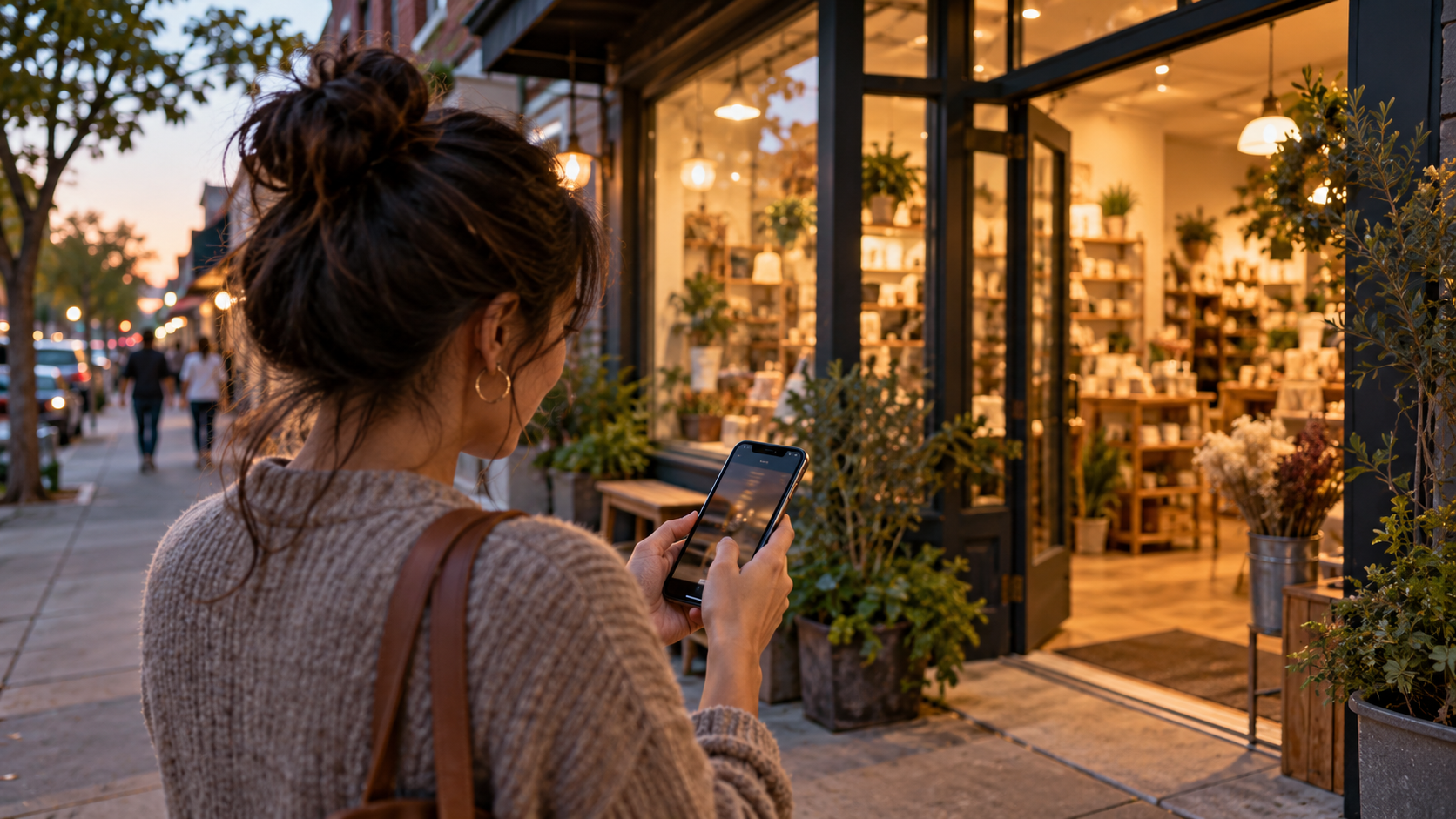
A customer sees something you’ve posted and taps through to your shop’s profile. She may already be thinking about visiting, but still has a few questions: How much does it cost? Where are you? Are you open on weekends? Do I need to book ahead?
If the link in your profile answers these questions, customers have a chance to take the next step. It’s worth giving careful thought to what opens when they tap the link, just as you would when arranging your shop’s sign.
First, decide what you most want customers to do
A hair salon might put appointments front and center. When enrolling students for a workshop, you might first show the next class. A café might want customers to view the menu, reserve a table, or learn about ordering for pickup. Don’t make every option equally prominent, or customers may not know which one to tap first.
Use simple language at the top of the page to explain what your shop offers and who it’s for, then highlight the main action you want customers to take right now. You can still include other information; it just doesn’t all need to be crammed at the top.
Put answers to common questions next to the action
Next to the appointment option, explain the services and how pricing works. Next to the sign-up option, list the date, location, and participation requirements. Next to a product, explain what customers will receive and how to collect it. Make your address and opening hours easy to find, too.
If the price depends on the circumstances, say so directly. Customers are usually more likely to continue when they know why they need to ask first than when they see an unexplained “Contact us” message. If they need to ask a question, make sure there’s a clear way to get in touch.
Use your phone and put yourself in the shoes of a first-time customer
In Infoholder Studio, you can start with a business template, customize your shop introduction, and then set up your actual services, products, events, or inquiry form. Choose the most important option for your current business and put it on the page. Once it’s available, make sure customers can actually find it.
After publishing, add the link to your shop’s social profile and open it on your phone to check: Is the text easy to read? Are the buttons easy to tap? What happens after you submit something? Check your management area to make sure the appointment or inquiry you just submitted went to the right place. If you’re accepting online payments, complete the payment setup and test it first.
Build it with Infoholder Studio
Start from a sentence and get a website where customers can book, order or contact you — in minutes.